01 / Document Uploads
Bring structure to every drawing package
Batch-upload PDF and DWG files, pair matching drawings, review titleblock information and correct filenames across entire packages before issue.

Document control and project collaboration built for architectural practice. Manage drawings, revisions, transmittals, markups and RFIs without losing track of what is current.
 Sample mixed-use project
Built around the real sequence of architectural documentation, from receiving consultant files to coordinating the issued record.
Batch-upload PDF and DWG files, pair matching drawings, review titleblock information and correct filenames across entire packages before issue.
Find active drawings by discipline, status and date. Track revisions and retain a clear history of superseded information.
Issue controlled document revisions to selected recipients, with a record of distribution and project notifications.
Annotate PDFs, direct comments to the right team member and raise or respond to RFIs linked to the relevant document.
Maintain revision-controlled project schedules with the latest version accessible from the same workspace.
Invite consultants, assign project roles and keep working documents separate from the formal issued record.
A straightforward workflow that keeps information organised through each project stage. When a project closes, its owner can export authorised documents in their original file formats and keep a portable record independently of ProArchitectOS—without a proprietary archive viewer or ongoing platform subscription to use the downloaded files.
Bring PDFs, DWGs and schedules into the private Document Uploads workspace.
Check document numbers, titles, revisions and companion files as a package.
Distribute selected revisions through a recorded transmittal.
Access the current record, add markups and resolve RFIs with the project team.
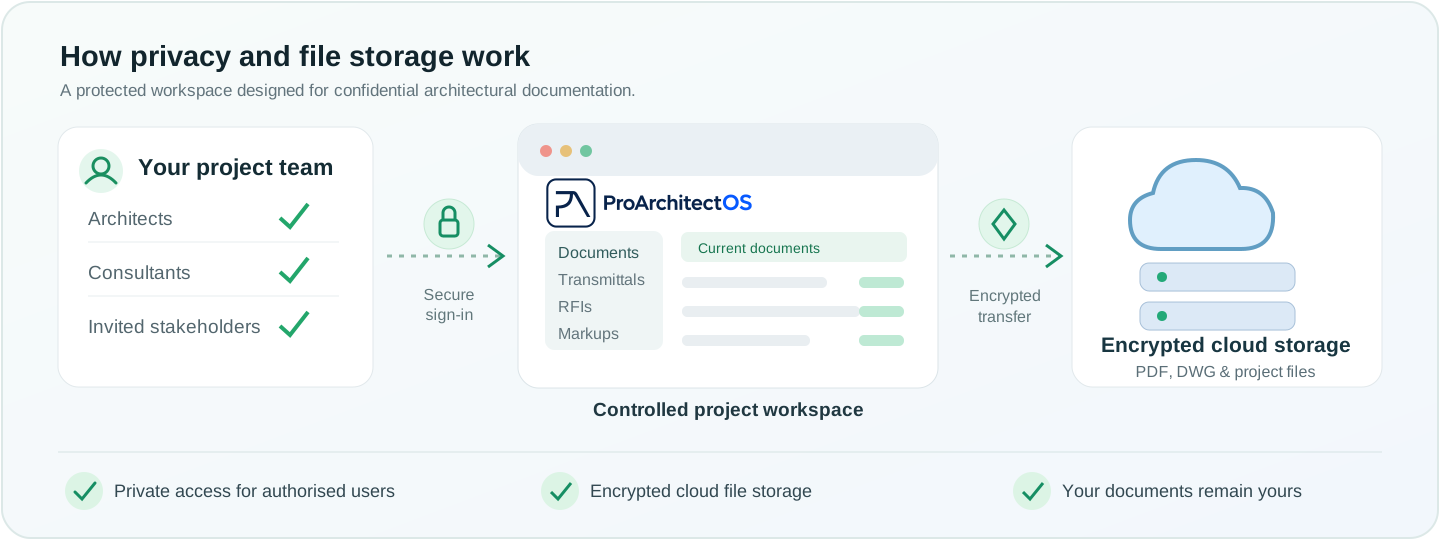
ProArchitectOS is designed to protect confidential project information while keeping collaboration simple and secure.
Tell us about your practice and the project you would like to test. Pilot access is currently invitation-only.